
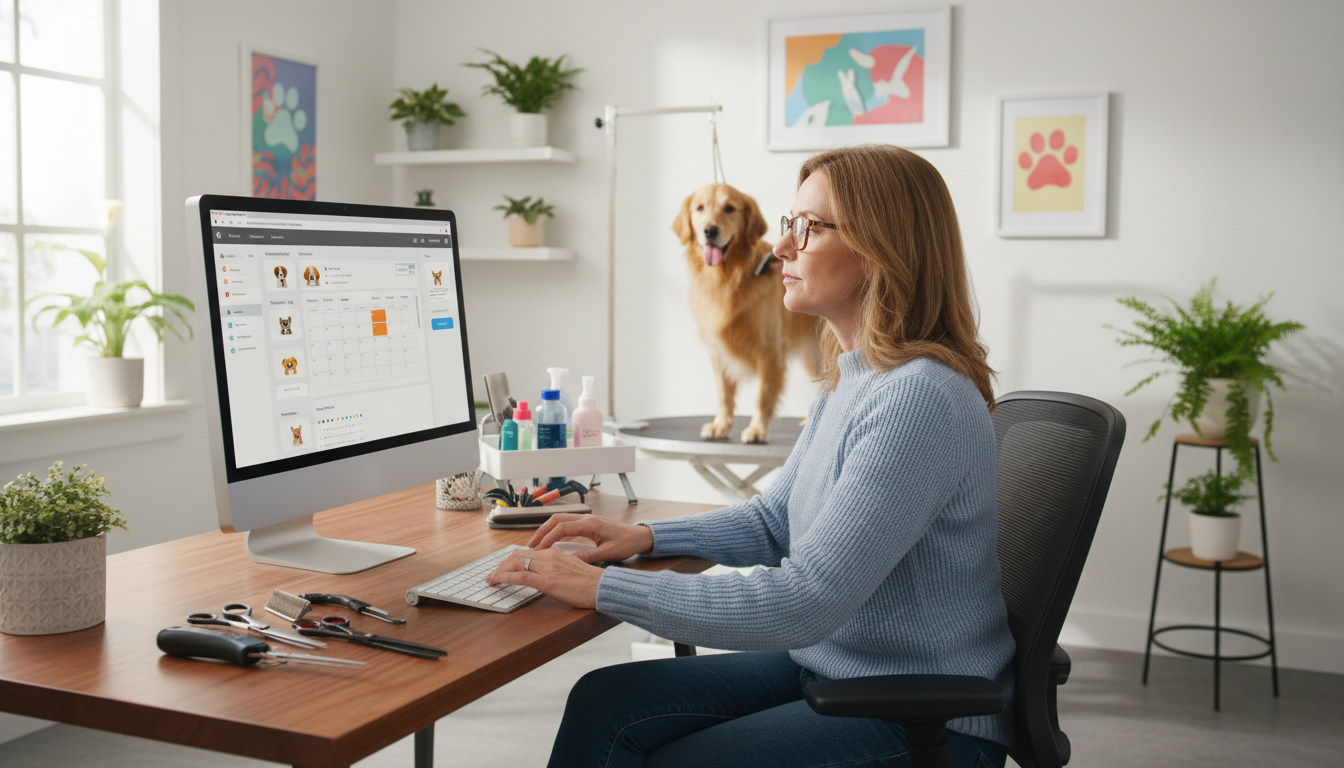
Can a single platform cut no-shows, boost average ticket size, and save your team hours each week?
Running a successful grooming business in the United States means more than scissors and care. A top-rated system must offer reliable scheduling, smooth payments, strong client communication, and clear reporting that supports growth decisions.
Key features to expect include US payment gateway support and a secure card-on-file workflow for deposits and reservations. These reduce cancellations and speed checkout for busy salons and mobile operators alike.
Real-world benchmarks matter. Tools like MoeGo’s “Book By Slot” auto-match openings, control capacity, and drive measurable gains — roughly 20 hours saved weekly, 80% fewer no-shows with reminders, 1.75x more reviews, and 30% higher revenue per booking with upsells.
Use this page to compare platforms by core features, weigh tradeoffs, and pick the best fit for independent stylists, multi-stylist salons, or mobile teams that need centralized customer, appointment, and payment management.
Why top-rated grooming software matters for modern pet grooming businesses
When appointment volume spikes, the right platform is the difference between steady growth and lost bookings. A modern management system protects the calendar, standardizes workflows, and cuts human error across bookings and billing.
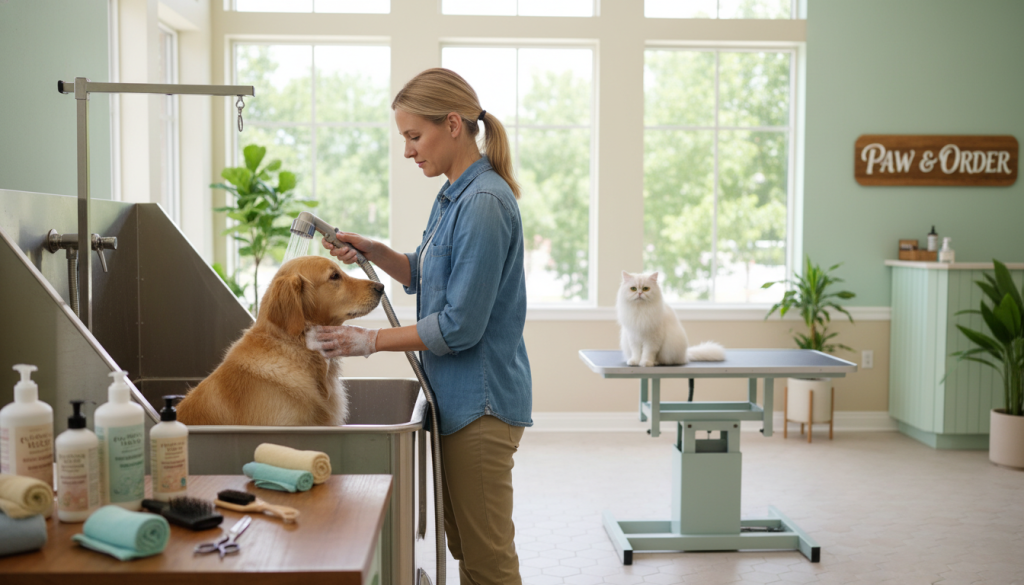
Top-rated solutions drive measurable results: fewer no-shows, faster checkouts, and more rebookings. These gains convert into reclaimed staff time and higher revenue per appointment.
Client expectations have shifted. Customers want instant online booking, quick confirmations, text updates, and digital receipts. Meeting these expectations increases repeat visits and better reviews.
- Protect revenue with payment readiness: connect to US gateways and merchant accounts for smooth checkout.
- Reduce cancellations by using deposits and a card-on-file policy paired with clear booking terms.
- Build operational resilience: centralized client records and automation help teams stay focused during disruptions.
| Feature | Business impact | Why it matters |
|---|---|---|
| Online booking & capacity control | Fewer double-books, higher utilization | Protects schedule when demand rises |
| Card-on-file & deposits | Lower cancellation losses | Secures revenue and enforces policies |
| Automated reminders | Reduced no-shows | Saves staff time and improves flow |
| Reporting & marketing tools | Better rebooking and higher average ticket | Gives owners visibility to grow |
Use the feature-by-feature framework on this page to match needs to the right category—salon, mobile, or multi-location—so your grooming business stays resilient and profitable.
Pet grooming software that streamlines scheduling, appointments, and online booking
Booking systems that match availability to demand keep calendars full and protect service quality. Modern platforms combine intelligent booking flows, capacity rules, and team visibility so staff can book confidently in real time.
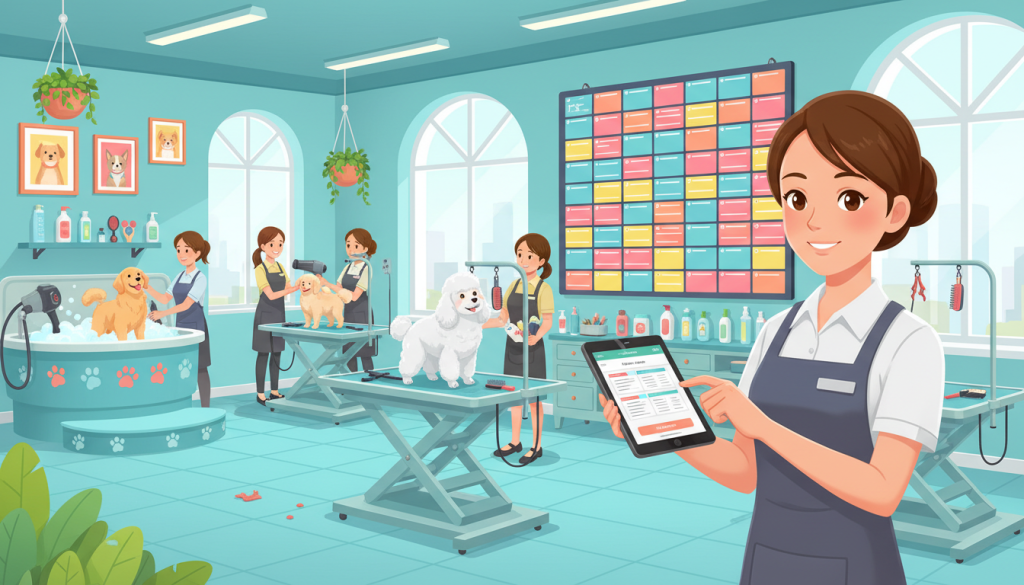
Online booking that matches clients to open times and controls capacity
Book By Slot style logic automatically offers eligible open times based on service length and capacity. Clients pick a service, the system shows valid slots, and controls prevent double-booking during peak days.
Multi-groomer scheduling for salons and mobile groomers
Assign appointments by skill, duration, and availability so each groomer’s calendar stays balanced. Front-desk staff see real-time availability across the team and can place bookings without guesswork.
For mobile teams, route-aware slots minimize dead time between visits while still giving customers convenient windows.
Automated reminders to reduce no-shows and protect revenue
Confirmation flows, pre-visit reminders, and day-of updates cut no-shows and last-minute cancellations. Two-way messaging enables quick reschedules and arrival updates, improving customer experience and booking reliability.
Pro tip: require a deposit or card-on-file for high-demand slots at booking time to discourage cancellations and stabilize daily operations.
Client and pet profiles that keep notes, services, and booking history in one place
Centralized profiles store coat notes, temperament, service preferences, pricing history, and vaccination requirements. This keeps service consistent and speeds check-in.
- Higher utilization: capacity controls and smart matching keep more slots filled without overloading staff.
- Revenue protection: reminders plus deposit rules reduce lost income from no-shows.
- Team efficiency: shared profiles and clear schedules save time at every appointment.
Payments, POS, and integrations for faster checkout and fewer cancellations
Checkout speed and payment reliability directly shape your daily throughput and customer experience. Fast, predictable payments free staff to focus on animals and client communication rather than paperwork.
Connecting to payment gateways and merchant accounts in the United States
Choosing and onboarding a US gateway
Select a supported gateway and open a merchant account. Enable both card-present and card-not-present modes so in-store terminals and online bookings work the same day.
Confirm accepted payment types and test approval rates during onboarding. A provider with strong uptime matters on peak days.
Card-on-file best practices for reservations and deposits
Obtain explicit client consent and display reservation and no-show terms at booking. Tokenize cards via the gateway so the platform never stores raw numbers.
Use rules to apply deposits automatically for new clients or high-demand services. This reduces last-minute cancellations and protects revenue.
Online bill pay, invoices, and receipts by email and text
Send invoices and receipts via email and SMS so customers can pay from their phone. That cuts front-desk phone time and speeds collection.
POS workflows that lift average ticket
Quick add-ons, tipping prompts, and packaged services let staff upsell without slowing checkout. Keep choices clear and optional to preserve trust and improve the experience.
Data, reporting, and reconciliation
| Report | Why it matters | Use case |
|---|---|---|
| Approval rates | Shows payment reliability | Switch gateways if declines spike |
| Deposit liabilities | Tracks held funds | Reconcile nightly totals |
| Revenue by service | Guides pricing and staffing | Identify top upsell items |
Integrations cut manual steps: payment status syncs to appointments, receipts attach to client profiles, and daily totals reconcile without re-entry. Validate performance claims like uptime during demos—fast systems lower cancellations and protect daily revenue.
Customer experience tools that drive repeat bookings and better reviews
Effective communication shapes the customer experience and keeps calendars steady. When groomers send timely confirmations, reminders, and arrival updates, clients feel confident and are more likely to rebook.
Two-way SMS and email for confirmations, reminders, and updates
Two-way SMS and email let customers confirm or reschedule with a tap. That reduces hold time and inbound calls for front-desk staff.
Groomers can push real-time updates during a visit. These flows support deposit and card-on-file policies by reminding clients of reservation terms before high-demand slots.
Marketing systems built for higher delivery rates and stronger reach
High-delivery marketing means list hygiene, channel optimization, and templates that avoid common filters. This raises open rates and keeps messages from landing in spam.
- Reactivation messages for lapsed customers
- Seasonal coat-care campaigns and targeted weekday promos
- Birthday offers and loyalty prompts
Smart review requests to increase feedback and visibility
Send review prompts right after a successful visit, when satisfaction is highest. MoeGo notes this can yield 1.75x more reviews.
More reviews improve local visibility and lower acquisition cost for the business. Pawfinity reports two-way notifications aim to nearly eliminate cancellations, improving on-time rates and predictable days for groomers.
| Feature | Benefit | Result |
|---|---|---|
| Two-way SMS & Email | Faster confirmations and reschedules | Fewer no-shows; less phone volume |
| Targeted Marketing | Higher delivery and engagement | Better rebook rates and fill slow days |
| Smart Review Requests | Timed prompts post-visit | More reviews and stronger local trust |
Operations, reliability, and support that help your team move faster
Streamlined back-office systems free staff to focus on safety, quality, and client care.
Automation that saves time each week and frees staff to focus on pets
Reduce repetitive admin so the team spends less time on calendars and payment troubleshooting.
High-impact automation includes scheduling rules, reminder sequences, invoice delivery, payment status updates, and post-visit review requests that run without daily intervention.
Value signal: MoeGo reports roughly 20 hours saved per week with automation, which converts to more available appointment capacity or less staff burnout.
Platforms designed to scale with unlimited clients, pets, and appointments
Choose a platform without artificial limits. Pawfinity supports unlimited clients, pets, appointments, and inventory so you can grow without migrating systems.
Fast, reliable performance and uptime built for busy booking days
Look for fast page loads, stable booking during peak demand, and strong uptime. Pawfinity cites a 99.999% uptime history — a key factor to reduce booking abandonment and payment failures.
Getting started with a personalized demo and ongoing support
Validate onboarding: import client lists, set services and durations, configure multi-groomer availability, and test end-to-end flows from online booking to payment receipt.
For payments and card-on-file rollout, define deposit/no-show rules, train staff on the wording to explain the policy, update booking pages and confirmation messages, and use vendor support resources during the first weeks.
| Operational area | What to validate in onboarding | Key benefit |
|---|---|---|
| Scheduling & capacity | Service durations, groomer availability, routing for mobile | Fewer double-books; higher utilization |
| Payments & card-on-file | Deposit rules, tokenization, test transactions | Lower cancellations; faster checkout |
| Automations | Reminder cadence, invoice delivery, review prompts | Less admin time; better client follow-up |
| Support & training | Personalized demo, knowledge base, live help | Smoother launch; faster issue resolution |
Track these KPIs after launch: no-show rate, rebooking rate, average ticket value, time spent on admin, and payment reconciliation accuracy. A focused demo should map workflows to your salon or mobile needs and ensure the team has clear support during rollout.
Conclusion
Choose a system that protects your schedule, cash flow, and client trust as your business grows.
When evaluating pet grooming software, focus on core features: deep scheduling, reliable online booking, automated reminders, clear customer communication, and easy client records. These elements keep appointments steady and improve the customer experience.
Operationally, the biggest differentiator for many U.S. businesses is integrated payments plus a secure card-on-file workflow for deposits and reservations. That combo reduces cancellations and steadies daily revenue.
Test real workflows before you buy: book online, apply a deposit, send a reminder, add POS upsells at checkout, and confirm reports reconcile. Then request a personalized demo, bring your service menu and policies, and verify reliability, support, and scalability for growth.






Comments (0)